

|
|
 |
TUTORIALS
 |
|
"Real Media Coloring"
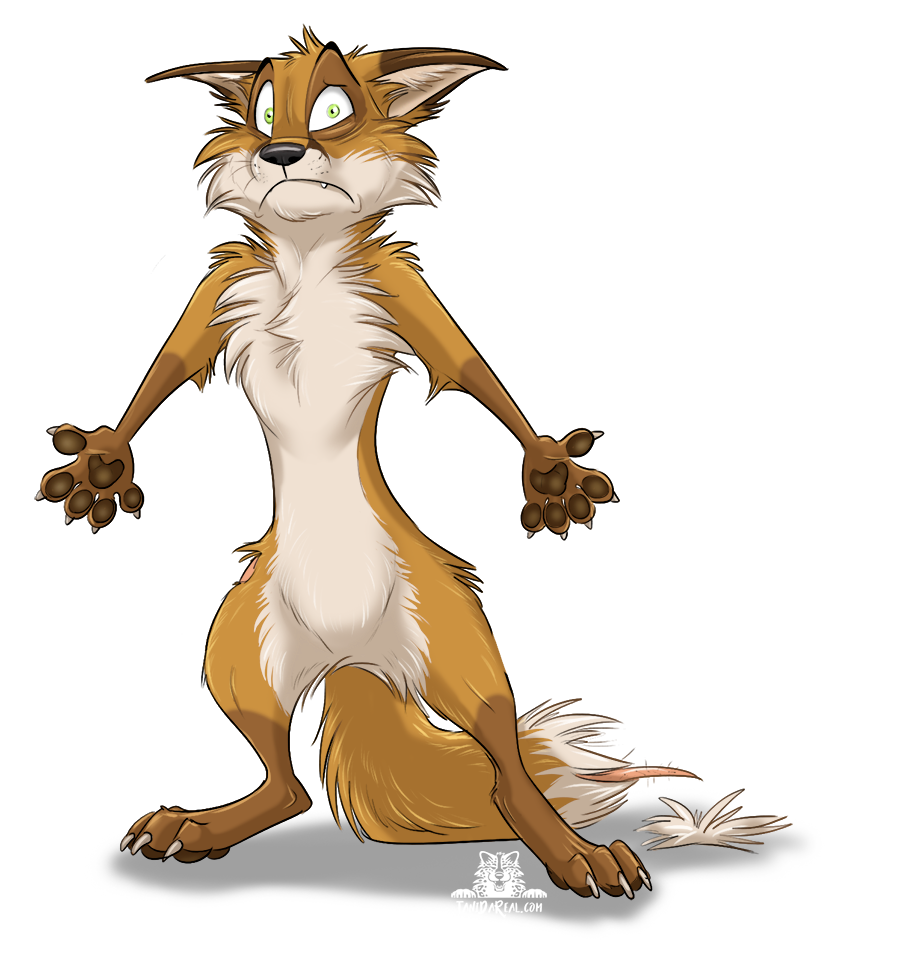
First real media tutorial - an example how to color a picture (without background) with markers and colored pencils.
For this picture I used following materials:
- Bristol paper
- Copic Multiliners (black fineliners for the outlines)
- Copic Sketch Markers [link]
- Polychromos (colored pencils by Faber Castell)
- White ink pen (for highlights)
|
| Digital / Photoshop Tutorials |
 |
|
"Scanning and Image Editing Tutorial"
Third tutorial - A tutorial about scanning a traditional colored picture and how to prepare your scanned art in Photoshop, like adjusting levels, the different color modes, etc.
Program used: Photoshop CS3
Scanner used: Canon CanoScan 4400F
|
|
 |
|
"Coloring Outlines in Photoshop"
Second tutorial - how to color outlines in Photoshop.
As there are different kind of outlines (e.g. flat on a background or seperate on a transparent background), I am showing three different methods how to color them.
Used: Photoshop CS3
(but it will also work for former versions) |
|
 |
|
"Basic Coloring in Photoshop"
First tutorial - this is a simple basic coloring tutorial (using vector masks) to start somewhere. More tutorials about the shading, outlines, etc. to come.
Used: Photoshop CS3
(but it will also work for former versions) |
|
 |
|